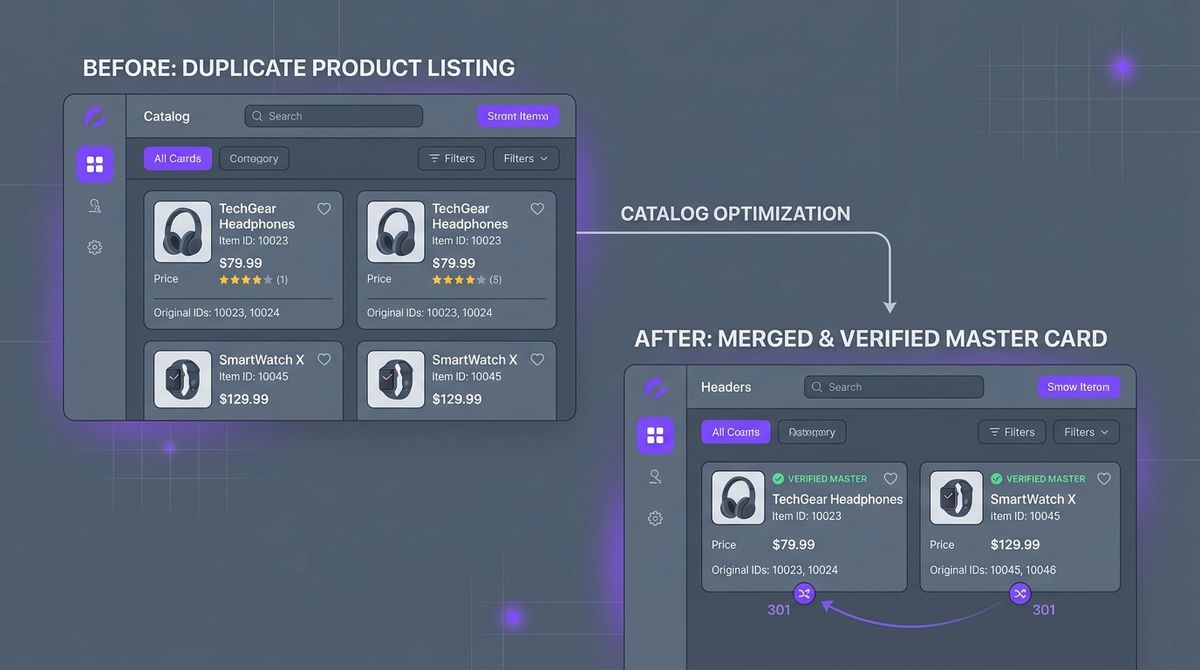
To remove duplicate products in WooCommerce without losing SEO rankings or sales, never send them to the trash without a redirect. The right procedure is to identify the oldest product with the most organic traffic in Search Console (the canonical one), move the extra copies to draft, and add a permanent HTTP 301 redirect on the server that sends each duplicate URL to the main product.
If you run a store with hundreds or thousands of products, duplicates are almost unavoidable sooner or later. They usually come from ERP syncs that drift, bulk CSV imports, or mistakes when handling product variations.
Below we cover what duplicates really cost you, how to find them step by step in your database, and how to consolidate them while keeping your organic authority intact.
Why duplicate products quietly kill your sales
Repeated products aren’t just a tidiness problem in the WordPress admin. In e-commerce, duplicates have three serious commercial consequences:
- Keyword cannibalisation in Google: when two URLs have the same title and description (for example
/product/trail-shoe/and/product/trail-shoe-2/), search engines don’t know which one to rank. Instead of putting one of them in the top three results, Google splits the authority and often pushes both to page two. - Confusion in the buying journey: if a shopper lands on a duplicate from an external link and it shows no stock or an old price, they leave thinking the item is sold out, never knowing there’s an identical product with stock.
- Wasted crawl budget: Googlebot spends a limited amount of time and requests crawling your server. If it spends them on clones created by mistake, it takes weeks to discover your new products or price changes.
The “quick delete” mistake
When a store manager spots 50 repeated products, the instinct is to tick them in the WordPress list and click “Move to Trash”.
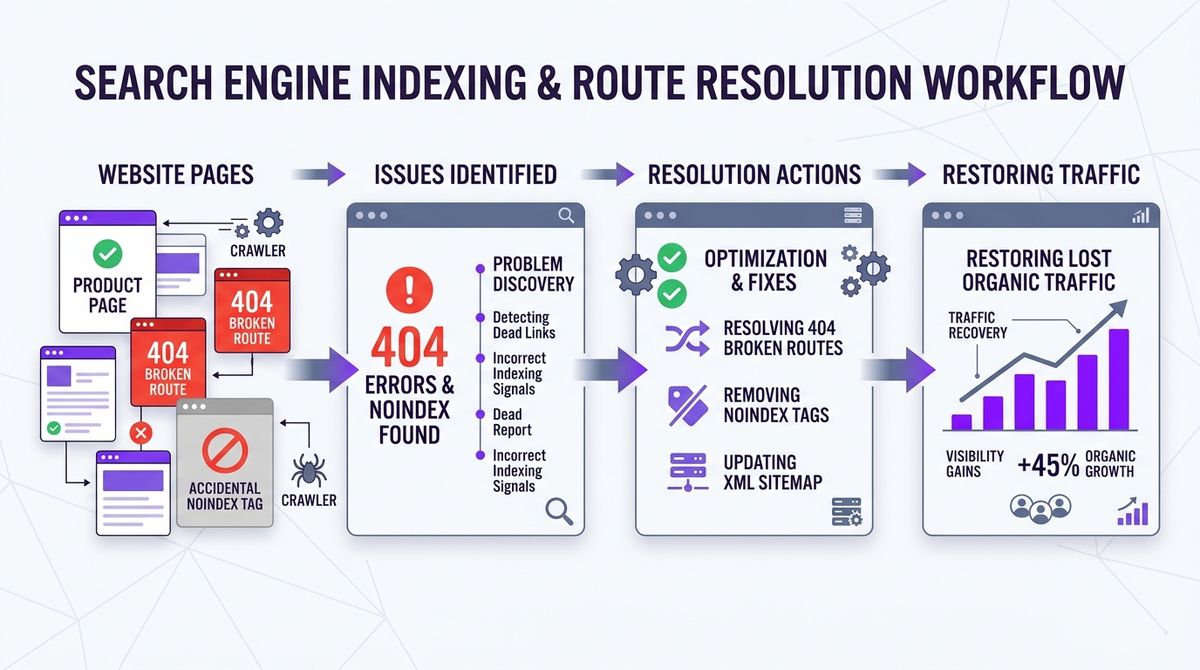
Never do this if the URLs have been live. When you empty the trash or unpublish without a redirect, those addresses return an HTTP 404 error. Inbound links from blogs, social media or email campaigns break straight away, and Google reads the lost URLs as an unstable catalog.
How a 301 redirect works
The only safe solution at the HTTP level is the 301 redirect (Moved Permanently). This header tells browsers and crawlers that the content has moved for good to a new canonical location.

With a 301:
- The shopper’s browser jumps to the live product in milliseconds, without noticing.
- Google passes almost all of the accumulated link equity (PageRank) to the destination URL.
- No 404 error appears in Google Search Console’s coverage report.
Manual audit, step by step: finding and fixing duplicates
If you don’t have an automated tool, you can audit your WooCommerce catalog by hand in four steps.
1. Find repeated titles with SQL
If you have access to phpMyAdmin or your MariaDB/MySQL console, run this query on the posts table:
SELECT post_title, COUNT(*) AS repeats, GROUP_CONCAT(ID SEPARATOR ', ') AS ids
FROM wp_posts
WHERE post_type = 'product'
  AND post_status = 'publish'
GROUP BY post_title
HAVING repeats > 1
ORDER BY repeats DESC;
It groups every published product with exactly the same name and returns the IDs of each conflicting record.
2. Find identical SKUs in the metadata
In WooCommerce the SKU (Stock Keeping Unit) is stored in wp_postmeta under the _sku key. Two products with the same SKU cause sync problems with gateways and carriers:
SELECT meta_value AS sku, COUNT(*) AS total, GROUP_CONCAT(post_id SEPARATOR ', ') AS post_ids
FROM wp_postmeta
WHERE meta_key = '_sku'
  AND meta_value != ''
GROUP BY meta_value
HAVING total > 1
ORDER BY total DESC;
3. How to choose the canonical product
When you have two or more identical products, choose only one to stay live. To get it right:
| Criterion | Priority | Where to check |
|---|---|---|
| Organic traffic and impressions | Highest | Google Search Console > Performance > Pages |
| Customer reviews and ratings | High | WooCommerce > Reviews |
| Order history | High | wp_wc_order_product_lookup table |
| Age of the post ID | Medium | Lowest ID in wp_posts |
The URL with the best history becomes the canonical one. The others are the secondary products you’ll retire.
4. Move to draft and set up the 301
Once you’ve identified the copies:
- Open each secondary product in WooCommerce and change its status from “Published” to “Draft”. That removes it from the store’s search and from the XML sitemap.
- Add the permanent 301 rule on your server.
On Apache or LiteSpeed, edit the .htaccess file in your WordPress root:
# Permanent 301 redirect for a duplicate product
Redirect 301 /product/bluetooth-headphones-v2/ /product/bluetooth-headphones-pro/
Redirect 301 /product/bluetooth-headphones-copy/ /product/bluetooth-headphones-pro/
On Nginx, add the directives to the server block of your configuration:
location = /product/bluetooth-headphones-v2/ {
    return 301 https://mystore.com/product/bluetooth-headphones-pro/;
}
How to stop duplicates from coming back
Consolidating fixes the past, but you also need to close the door on new duplicates:
- Always tick “Update existing products”: with WooCommerce’s standard CSV importer, tick that box and use the SKU or ID as the matching key.
- Use variable products: if you sell sizes or colours, use a variable product instead of a simple product for each combination.
- Don’t publish clones by accident: plugins like Duplicate Post are handy for drafts, but leave slugs like
-copyor-2if a clone gets published by mistake.
How Melopo Radar finds and fixes them
Running SQL by hand and editing server files works for small catalogs, but it doesn’t scale if your store grows or updates stock every day.
Melopo Radar automates all of this:
- Continuous catalog monitoring: it checks your database every 24 hours for exact and partial matches in titles, SKUs and GTIN/EAN codes.
- Money at risk: instead of an endless list of warnings, it estimates the revenue each copy is taking and adds it up, so you see the direct cost.
- One-click fix with an automatic redirect: in the Duplicates tab at
app.melopo.comyou pick the group and click “Fix”. Melopo Radar moves the clones to draft and adds the 301 redirect in your WordPress, without touching code. And you can undo it.
If you prefer a one-off clean-up inside WordPress, our plugin Delete Duplicate Products for WooCommerce groups duplicates by SKU, title or slug and sets up the 301 redirects. It used to be on WordPress.org; the official version is now at melopo.com.
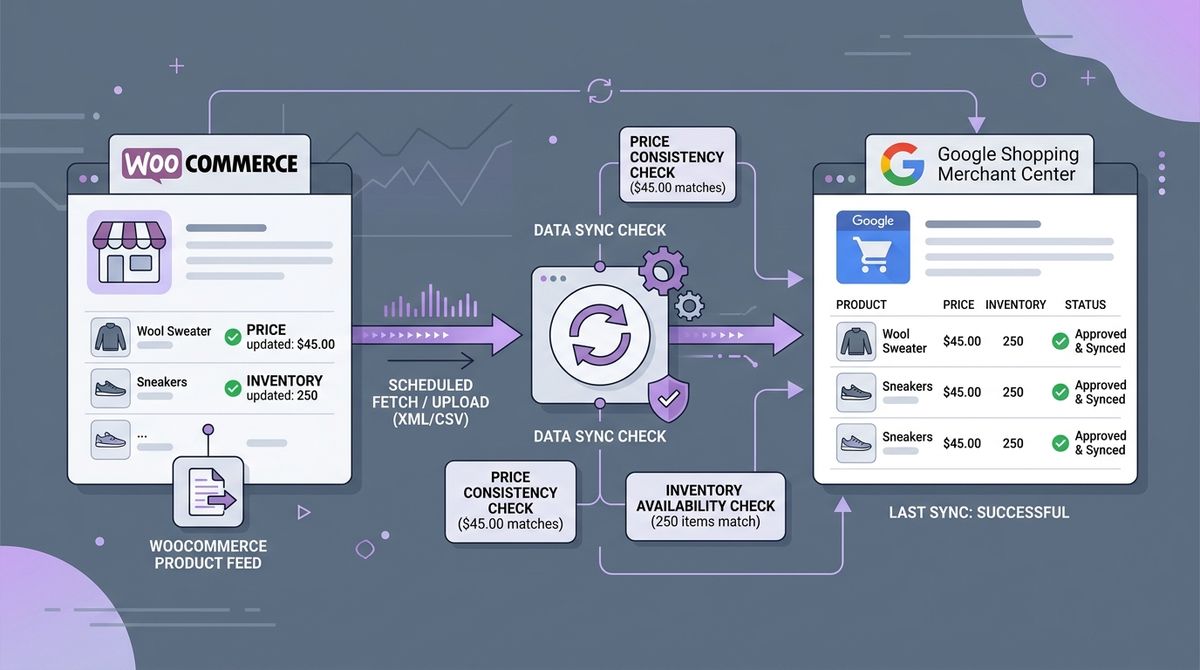
For other common problems that hold back your catalog, read our guide to 404 errors and noindex products or how to fix disapproved products in Google Merchant Center.