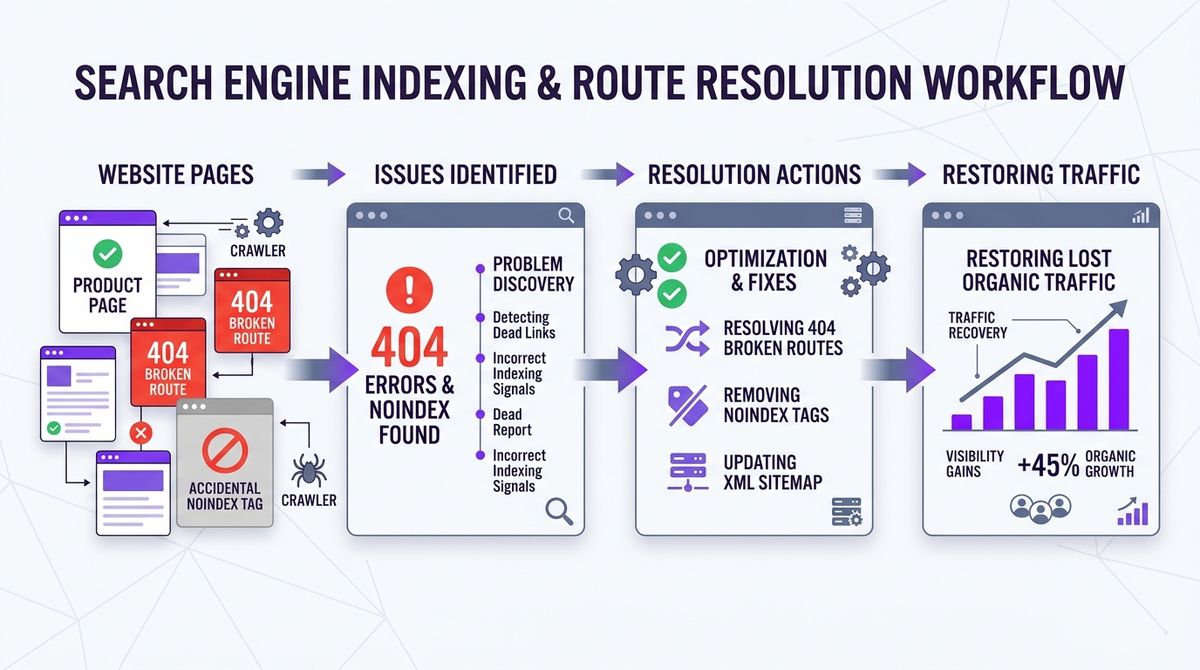
To win back organic traffic lost to accidental noindex tags or 404 errors in WooCommerce, cross-check three things: your product database, your XML sitemap and Google Search Console’s coverage reports. Live products carrying <meta name="robots" content="noindex"> need that setting removed in your SEO plugin, and discontinued URLs that return 404 should get a permanent 301 redirect to the closest parent category or replacement product.
In e-commerce SEO, invisible technical errors do the most damage. You can have great descriptions, high-resolution photos and competitive prices, but if a hidden directive tells Google to ignore your catalog, those products simply don’t exist in search results.
This guide explains how these problems appear in WooCommerce, how to find them in bulk and how to set up your catalog so Google indexes every product that earns you money.
Why products drop out of Google’s index
Indexing an online store is a chain. If one link breaks, Google removes the product from search or visits your catalog less often.

There are three common technical reasons your products stop showing up in Google:
- An accidental
noindex: after installing or reconfiguring an SEO plugin (Yoast SEO, Rank Math or All in One SEO), one wrong checkbox can add<meta name="robots" content="noindex, follow">to every product or whole categories. Google reads it and de-indexes the product on its next pass. - Discontinued products trashed without a redirect: when a season ends or a supplier stops making an item, admins usually delete the product. The URL starts returning 404. If that page had organic traffic or links from other sites, those visits are lost instantly.
- Outdated or broken XML sitemaps: the sitemap is the map you hand to Googlebot. If it lists URLs that return 404 or pages marked
noindex, Google wastes your crawl budget and is slower to index your new products.
Step-by-step audit: finding the affected products
To diagnose and fix these problems right away, follow this procedure:
1. Find noindex in the WordPress database
Popular SEO plugins store indexing directives in wp_postmeta. This SQL query lists every published product with noindex turned on:
SELECT p.ID, p.post_title, p.post_name, pm.meta_key, pm.meta_value
FROM wp_posts p
JOIN wp_postmeta pm ON p.ID = pm.post_id
WHERE p.post_type = 'product'
  AND p.post_status = 'publish'
  AND (
    (pm.meta_key = '_yoast_wpseo_meta-robots-noindex' AND pm.meta_value = '1')
    OR (pm.meta_key = 'rank_math_robots' AND pm.meta_value LIKE '%noindex%')
    OR (pm.meta_key = '_seopress_robots_index' AND pm.meta_value = 'yes')
  );
If it returns products you want to sell, open each one and set the SEO plugin back to “Index” or the default.
2. Export 404 errors from Google Search Console
In Google Search Console, go to Indexing > Pages.
Look at the reasons pages aren’t indexed:
- Not found (404): click the report to see the full list of failing URLs.
- Crawled – currently not indexed: often means thin content or orphan pages with no internal links from the menu or categories.
Download the URLs as CSV. These are your first candidates for 301 redirects.
3. 301 redirects for discontinued products
Never redirect every 404 to the home page (a soft 404). Google spots it and doesn’t pass any relevance.
Use the closest match instead:
- If the product has a direct replacement (say, next year’s model), redirect to it.
- If there’s no replacement, redirect to the main category the item belonged to.
Example rules for .htaccess:
# Redirect discontinued products to their category
Redirect 301 /product/hammer-drill-2024/ /product-category/tools/drills/
Redirect 301 /product/old-lithium-battery/ /product-category/accessories/batteries/
Checking the XML sitemap
Your sitemap.xml should list only canonical URLs that return HTTP 200 and are fully indexable:
- Open your sitemap (usually
mystore.com/sitemap_index.xmlormystore.com/product-sitemap.xml). - Check that the number of URLs roughly matches the number of published products in WordPress.
- Use a crawler (such as Screaming Frog SEO Spider) or the Melopo Radar scanner to make sure no sitemap URL returns 301, 404 or a
noindexheader.
How Melopo Radar detects it
Keeping a large catalog free of indexing problems takes constant attention. The Technical SEO add-on of Melopo Radar audits your catalog all the time:
- Sitemap vs database: it cross-checks the URLs in your sitemaps against your products and warns you about missing URLs or entries that return 404.
noindexon products in stock: it alerts you as soon as a product that has stock and a price is hidden from search engines.- Prioritised by value: it shows you how much of your inventory is hidden from Google, so you fix first what affects sales the most.
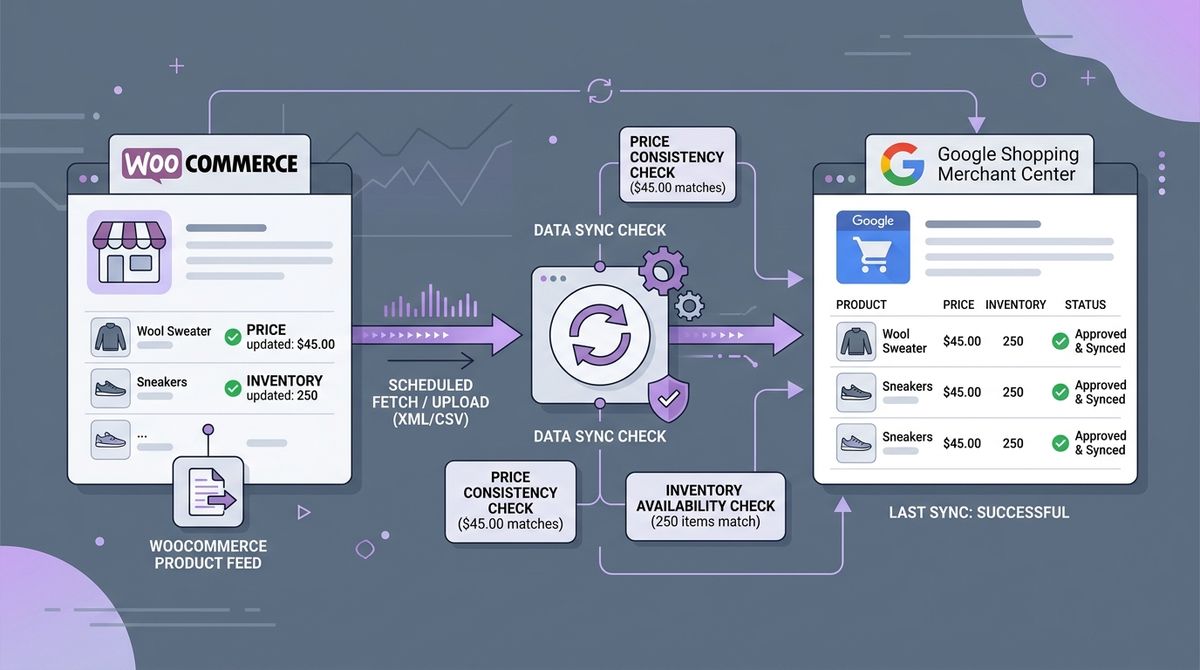
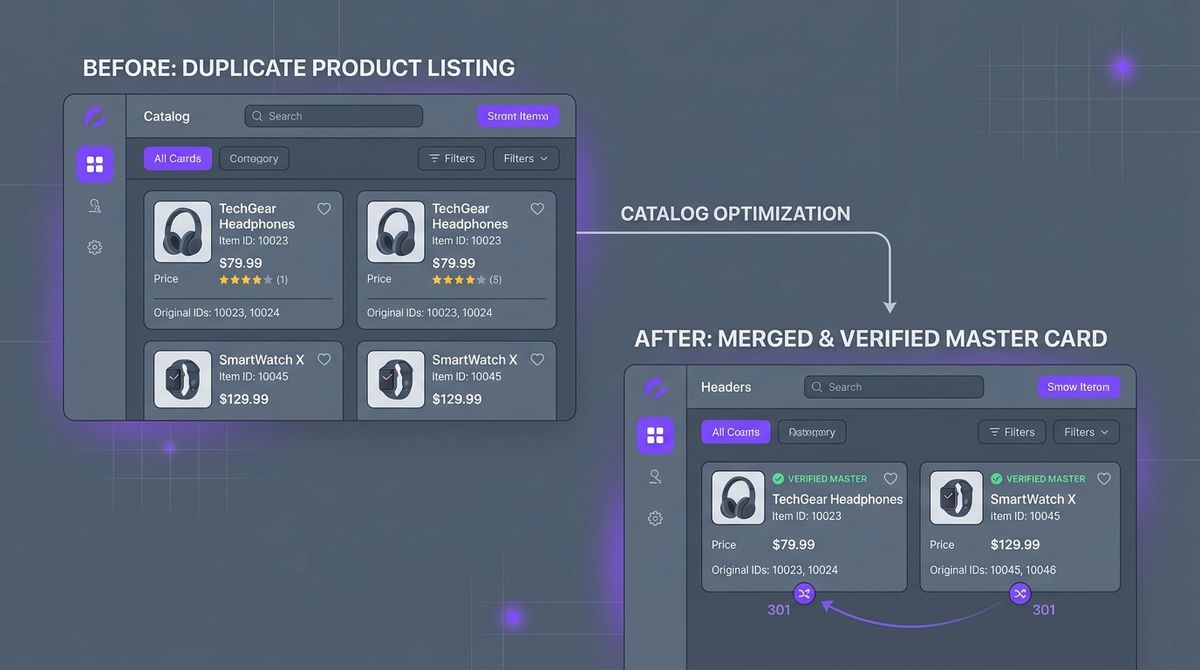
To keep improving your store, read our guide to removing duplicate products with 301s and how to fix price mismatches in Google Merchant Center.