
Nothing to move
Get started in three steps
Your store stays on your server. 14 days with everything unlocked from the moment you connect it, no card.
1. Install the plugin
Create your account and download the plugin from the dashboard. It installs like any other on your WordPress.
2. Click "Connect to Melopo"
One click and you confirm in the dashboard. The plugin sends your catalog in the background, in batches.
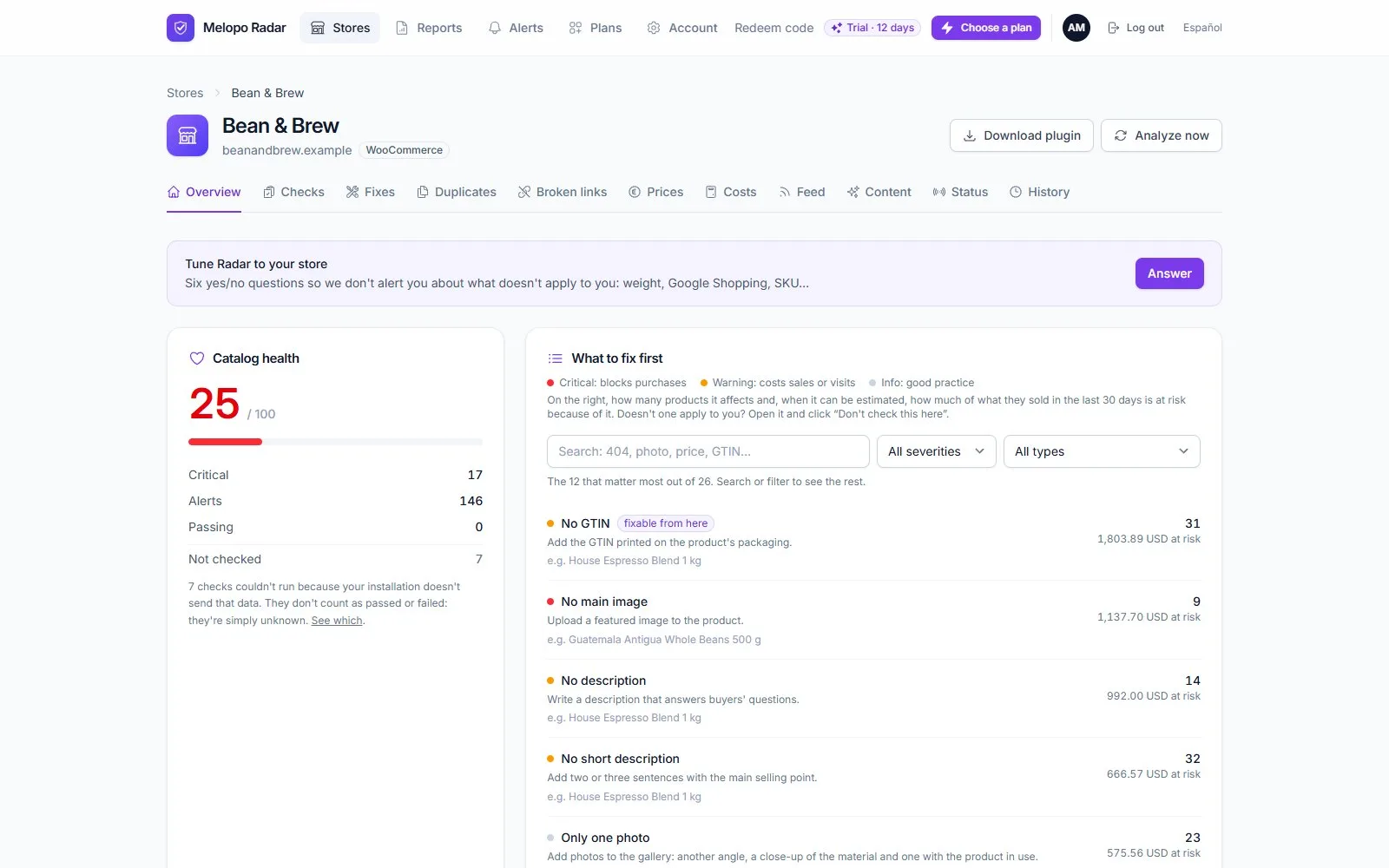
3. See what to fix first
In a few minutes you have the store's score and the list sorted by what it's costing you.
Rather start from outside?
The free scanner looks at your store the way anyone sees it, with no sign-up and nothing to install.
No sign-up and nothing to install. We look at what anyone can see from outside.
or create your free account and connect the store.